Upcoming shifts at a glance
The home and calendar views show the next shift, start time, shift type and what follows it, so a long rotation is easier to read.
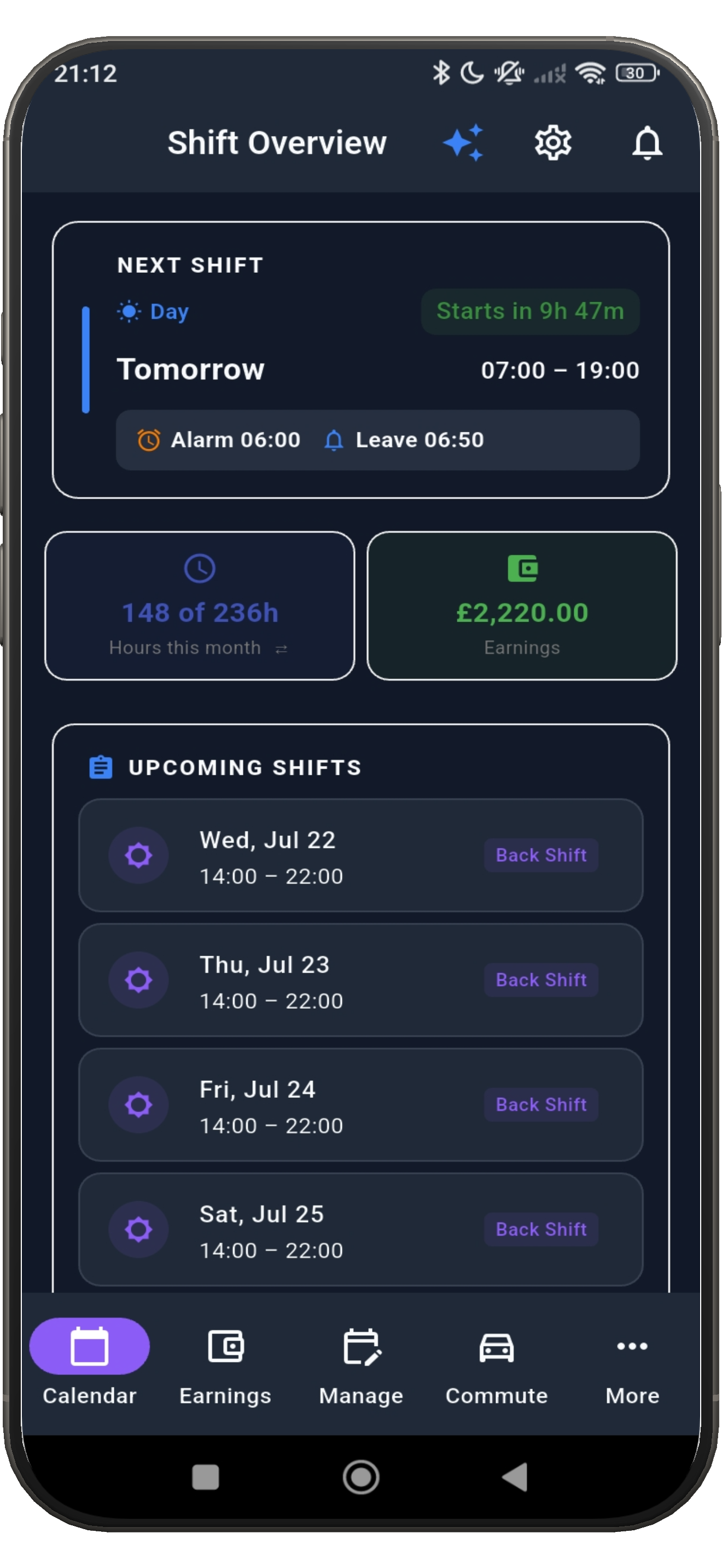
ShiftFlowr turns a repeating shift pattern or a one-off change into a calendar you can trust. It keeps the useful details close without asking for your home address.
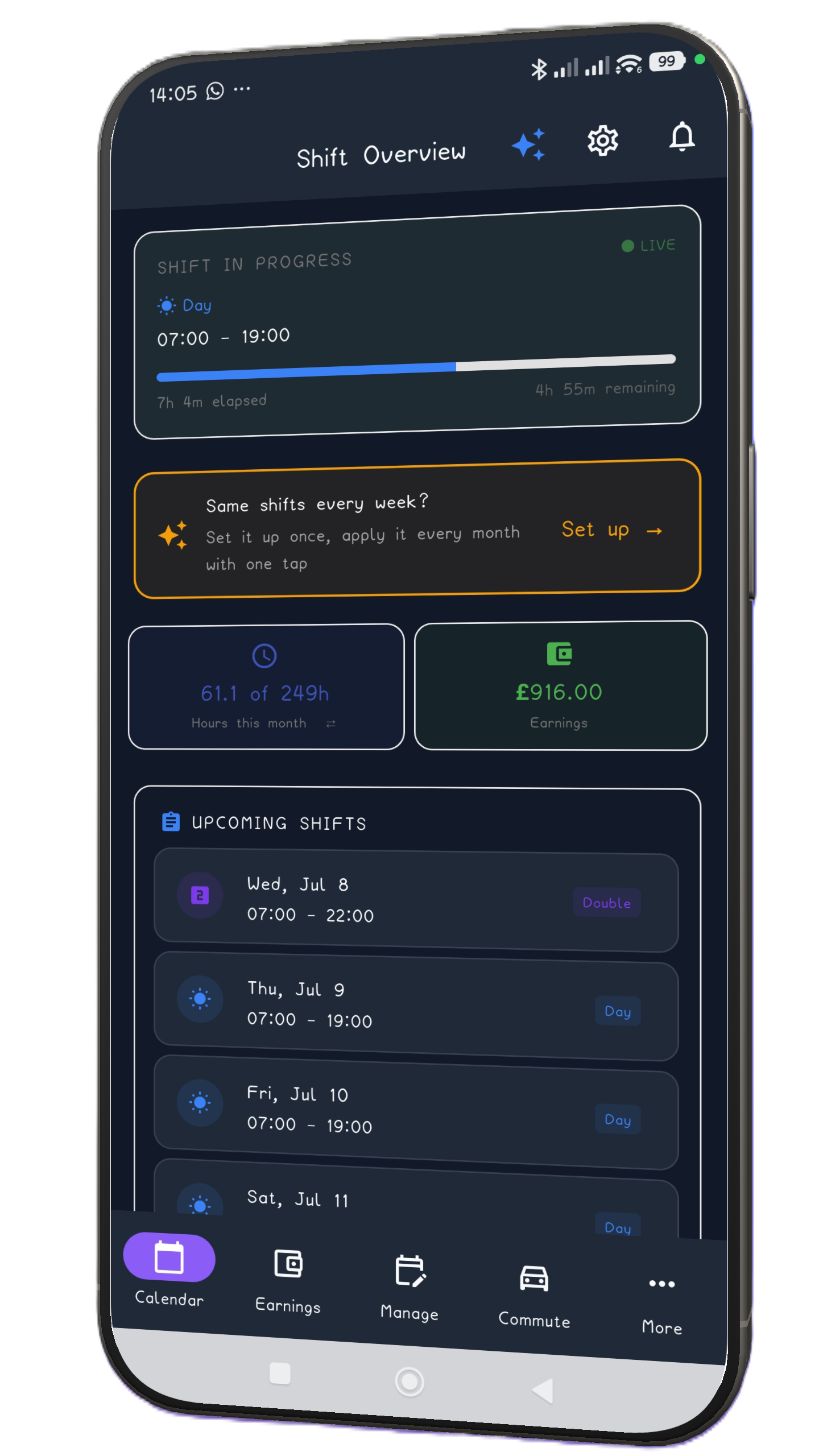
The home and calendar views show the next shift, start time, shift type and what follows it, so a long rotation is easier to read.
Choose a preset such as DuPont, Panama or Pitman, set the anchor date, preview the result, then apply only the months you want.
ShiftFlowr schedules shift reminders and wake-up alarms from your calendar. Android supports the full-screen wake-up path; iPhone messaging stays within the reminder and waitlist experience until store configuration is complete.

Set your commute duration and an early-arrival buffer. ShiftFlowr calculates a leave time without collecting an address, postcode or continuous location.
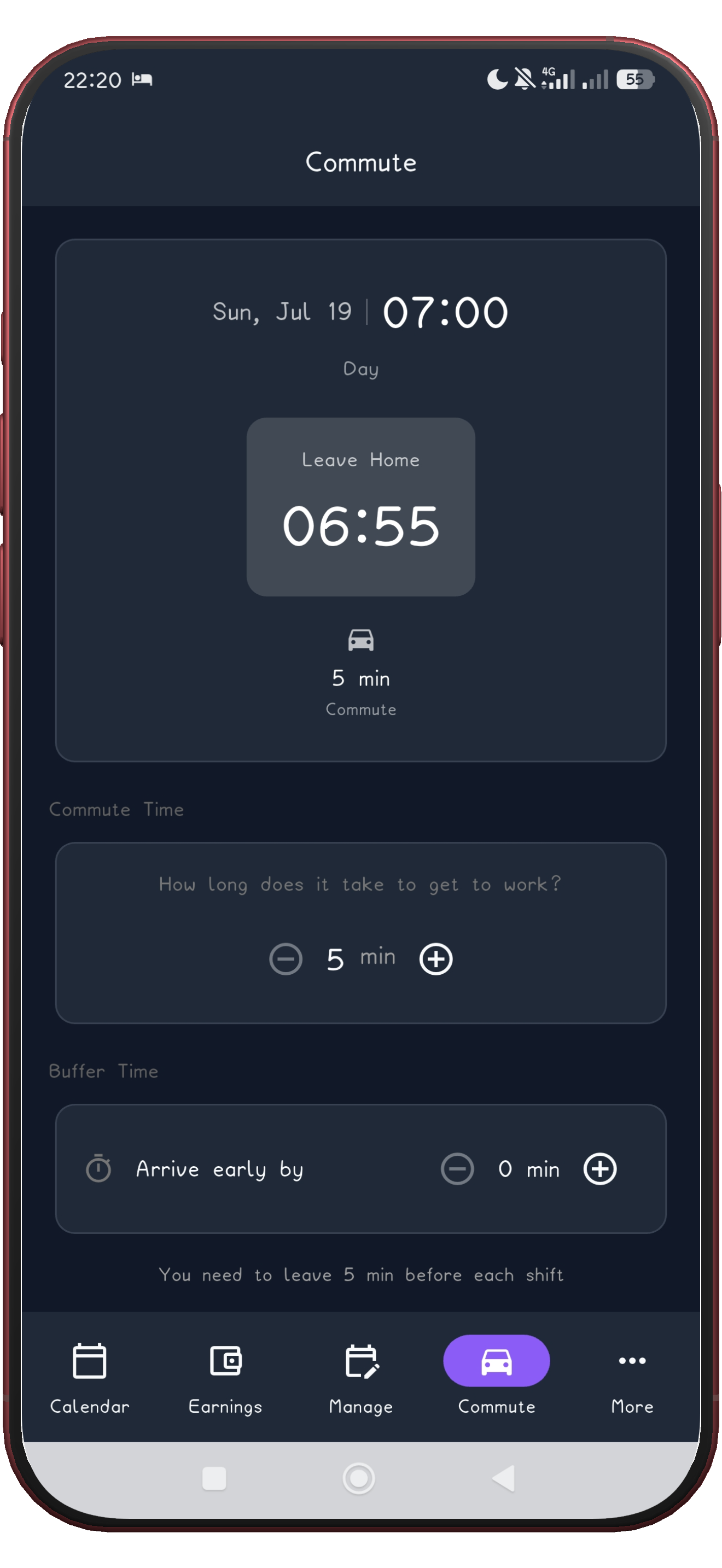
Add an individual shift or create a custom shift when real life changes the plan. Your saved pattern remains reusable for the next cycle.
Review upcoming work and earnings in one place, with shift names and currency that fit your region.
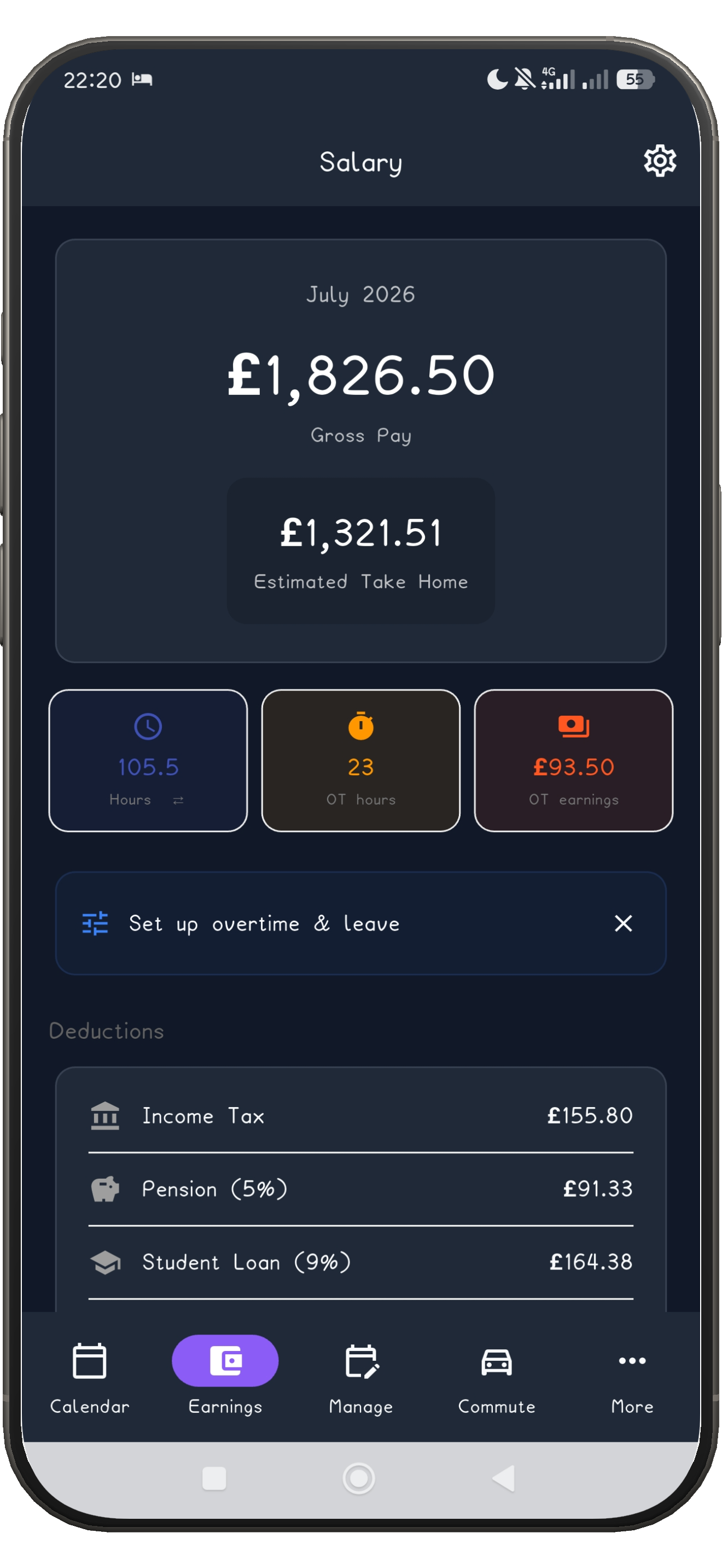
Use a guide for a preset pattern, or begin with a blank schedule and add the shifts you already know. Preview first; apply second.