Product proof
Calendar view matters when the month is the product.
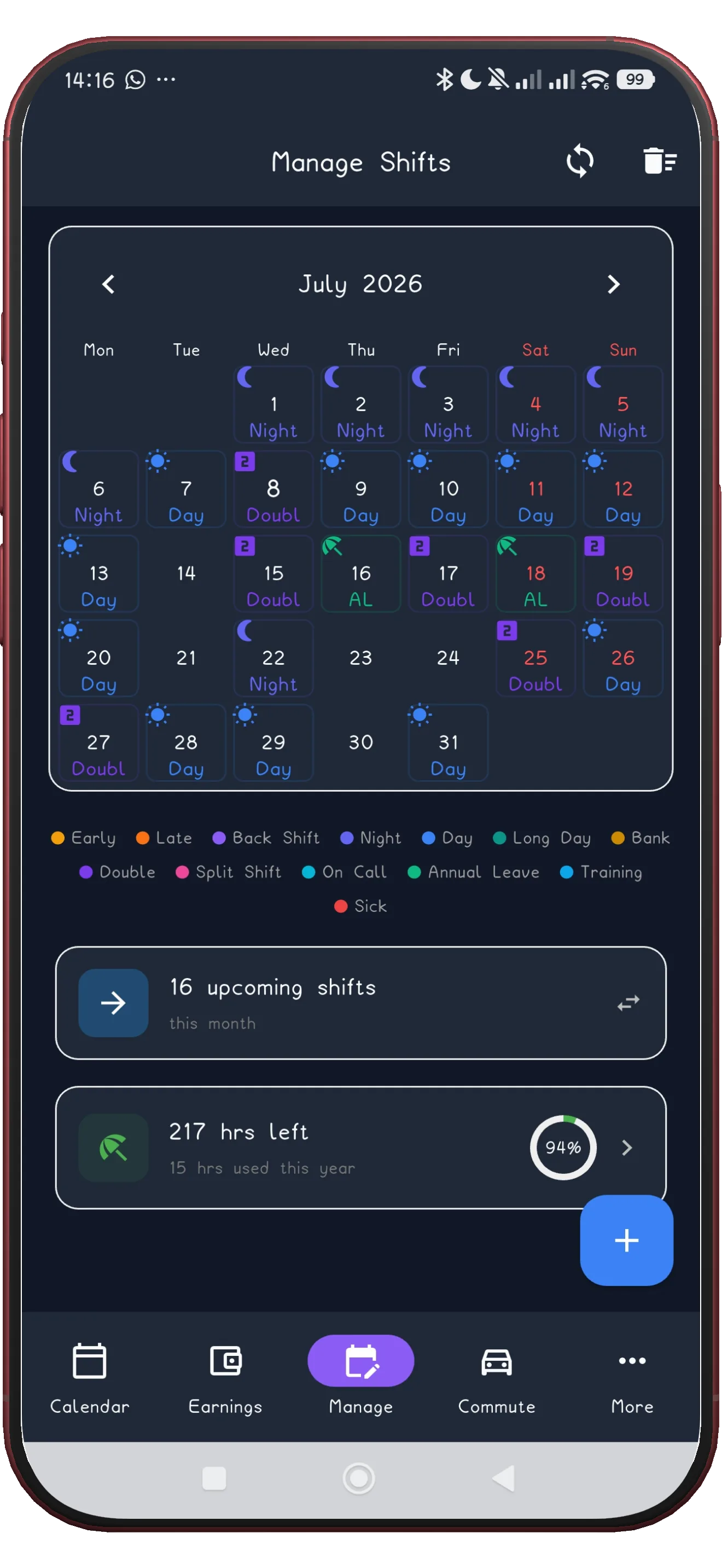
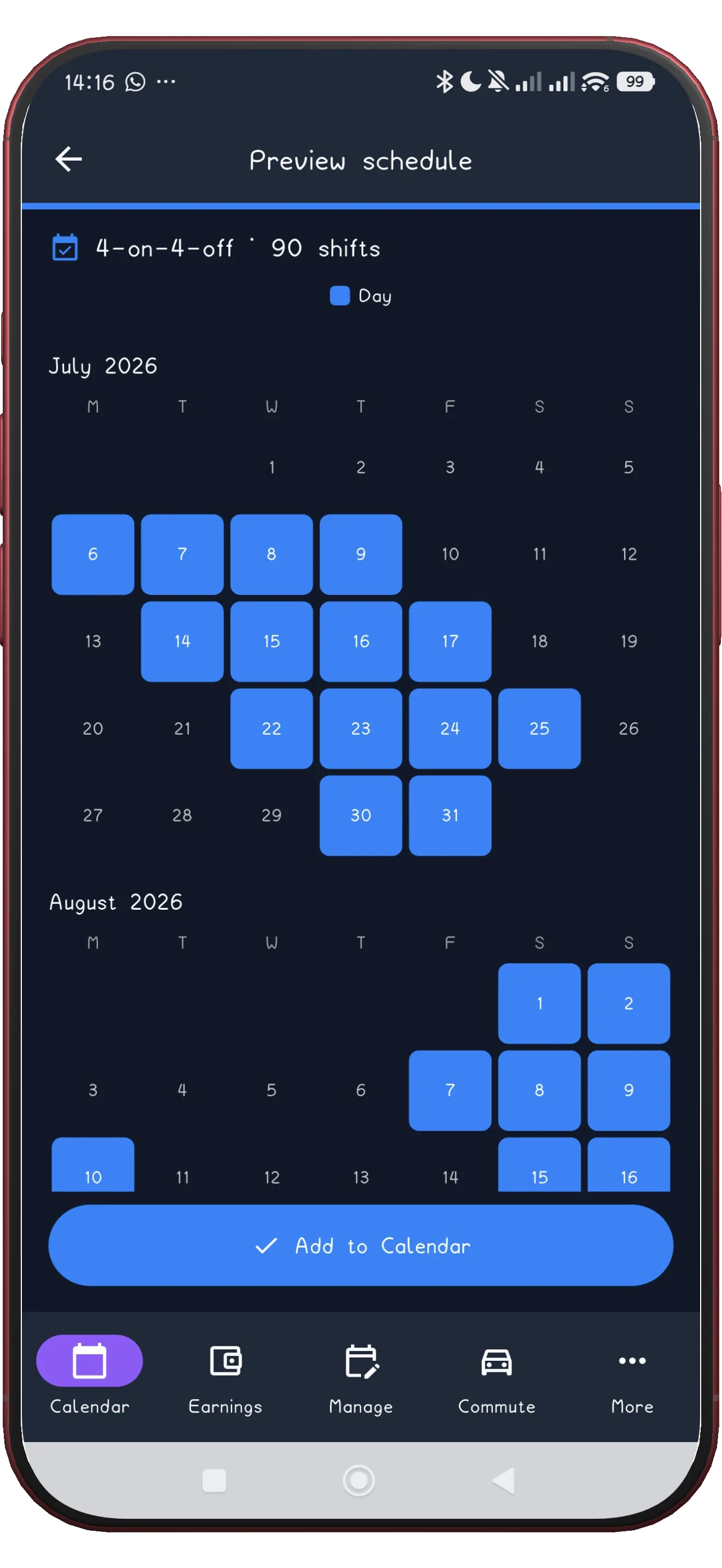
This page uses the clean month view plus a forward-looking pattern preview so visitors can understand both readability and scale immediately.
Shift calendar app
ShiftFlowr turns a repeating work pattern or roster into a calendar that stays readable months ahead. You keep the shift names, alarms, and pay context that generic calendars usually lose.
Free on Android · Early access · Every feature unlocked
Product proof
This page uses the clean month view plus a forward-looking pattern preview so visitors can understand both readability and scale immediately.
Why it matters
A calendar built for meetings assumes each entry is one-off. A shift calendar has to do the opposite - show a repeating cycle clearly, months into the future, without the month view turning into a wall of identical-looking blocks.
Apply repeating cycles like 4-on-4-off, Panama, and custom rotating schedules.
Use names like early, late, night, back shift, or custom labels.
Every shift can carry its own work alarm, leave-home alarm, and pay context.
Once the pattern is applied, the calendar fills forward - useful for checking a roster well before it starts.
How it compares
| Feature | ShiftFlowr | Google Calendar | Apple Calendar |
|---|---|---|---|
| Auto-fills a repeating rotation | Yes | No | No |
| Shift-type colours & labels | Built in | Manual only | Manual only |
| Wake-up alarm tied to each shift | Yes | Manual only | Manual only |
| Pay estimate per shift | Yes | No | No |
| Preset rotating patterns | 11 presets | No | No |
| Works offline | Yes | Partial | Partial |
Bigger picture
ShiftFlowr is more than a plain calendar view. It is also a shift alarm calendar: each roster entry can carry the correct wake-up and leave-home alert. It also functions as a rota planner app, a shift scheduling app, and a work alarm app for people whose whole week depends on not missing one shift.
Best when the main pain is building and repeating the schedule itself. See rota planner app.
Best when the wake-up logic depends on the roster. See work alarm app.
The full product overview, including patterns, pay, and alarms together. See shift scheduling app.
FAQ
ShiftFlowr keeps the pattern, the labels, and the alarms together.
Get it on Google PlayFree on Android · Early access · Every feature unlocked
Other shift types
Or explore ShiftFlowr's full shift pattern library - 11 ready-made rotas and rosters for rotating shift workers.